
OCR PDF: your solution for searchable documents
No more manual typing: with OCR PDF, scanned documents and image files become searchable, editable content. Public authorities, companies and educational institutions get fast text recognition and precise conversion – an essential step towards digitization with WebLager®.
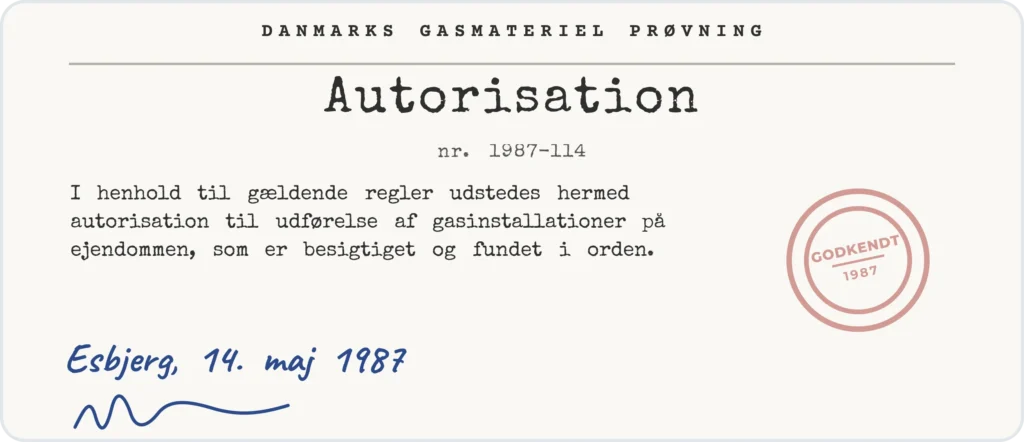
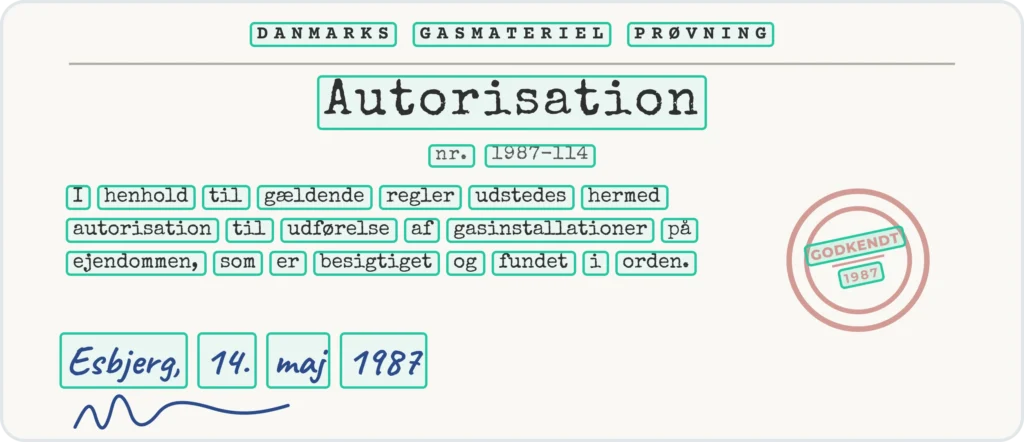
What is OCR PDF? Why is it so useful?
From scan to searchable PDF
OCR PDF stands for Optical Character Recognition in PDF documents. The technology recognizes and extracts text from scanned images and PDFs and converts it into editable files such as Word or Excel.
Searchable files make it easy to find information quickly – even in complex documents such as scanned invoices and image-based files.
Which text formats can be processed with OCR PDF?
Scans, images and tables
Scanned PDFs
Image files (JPEG, PNG, TIFF)
Tables in Excel
Documents in Word
Various searchable files
Like the OCR scanner, OCR PDF recognizes text in several languages, different fonts and characters – even invoices and receipts are processed precisely.
Like the OCR scanner, OCR PDF recognizes text in several languages, different fonts and characters – even invoices and receipts are processed precisely.
Which text formats can be processed with OCR PDF?
Scans, images and tables
Scanned PDFs
Image files (JPEG, PNG, TIFF)
Tables in Excel
Documents in Word
Various searchable files
Like the OCR scanner, OCR PDF recognizes text in several languages, different fonts and characters – even invoices and receipts are processed precisely.
Like the OCR scanner, OCR PDF recognizes text in several languages, different fonts and characters – even invoices and receipts are processed precisely.
Which text formats can be processed with OCR PDF?
Scans, images and tables
- Scanned PDFs

- Image files (JPEG, PNG, TIFF)

- Tables in Excel

- Documents in Word

- Various searchable files
Like the OCR scanner, OCR PDF recognizes text in several languages, different fonts and characters – even invoices and receipts are processed precisely.
The most important OCR PDF functions
Searchable, editable, optimized
Searchability
Create searchable PDFs where information is easy to find.
Conversion
Convert to editable formats such as Word or Excel.
Custom settings
Choose language, accuracy and format.
Readability
Scan quality is optimized for better results.
Optical correction
Images are processed intelligently to improve scan quality.
Turn analogue content into digital files: OCR PDF makes your data usable.
Possible applications of OCR PDF
From archives to compliance
- Archiving happens automatically – text and images are digitized, and scans become searchable.
- Education gets easier, as teachers and students digitize and edit teaching materials and notes.
- Book digitization turns physical books into digital formats such as PDF/A.
- Data extraction pulls information from invoices, forms and spreadsheets.
- For legislation and compliance, legal documents and contracts are processed accurately.
- Fast translation converts texts so they can be translated directly.
- Process optimization simplifies workflows for large documents.
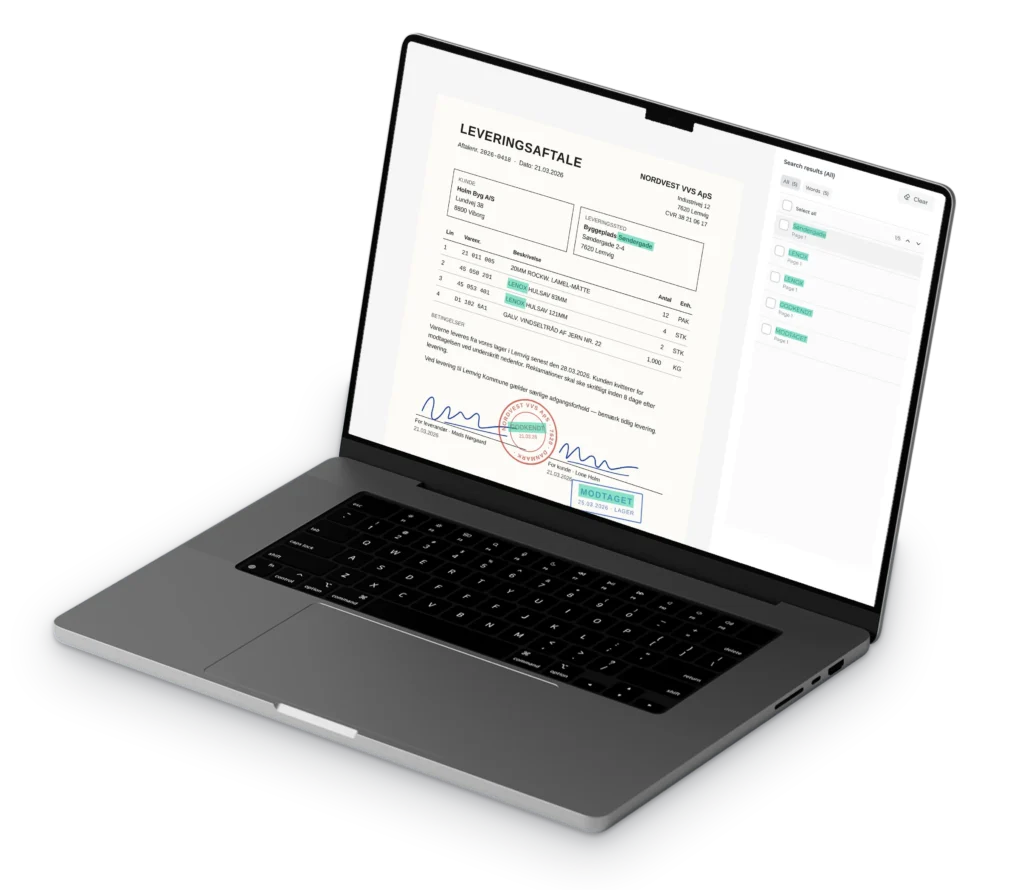
Possible applications of OCR PDF
From archives to compliance
- Archiving happens automatically – text and images are digitized, and scans become searchable.
- Education gets easier, as teachers and students digitize and edit teaching materials and notes.
- Book digitization turns physical books into digital formats such as PDF/A.
- Data extraction pulls information from invoices, forms and spreadsheets.
- For legislation and compliance, legal documents and contracts are processed accurately.
- Fast translation converts texts so they can be translated directly.
- Process optimization simplifies workflows for large documents.
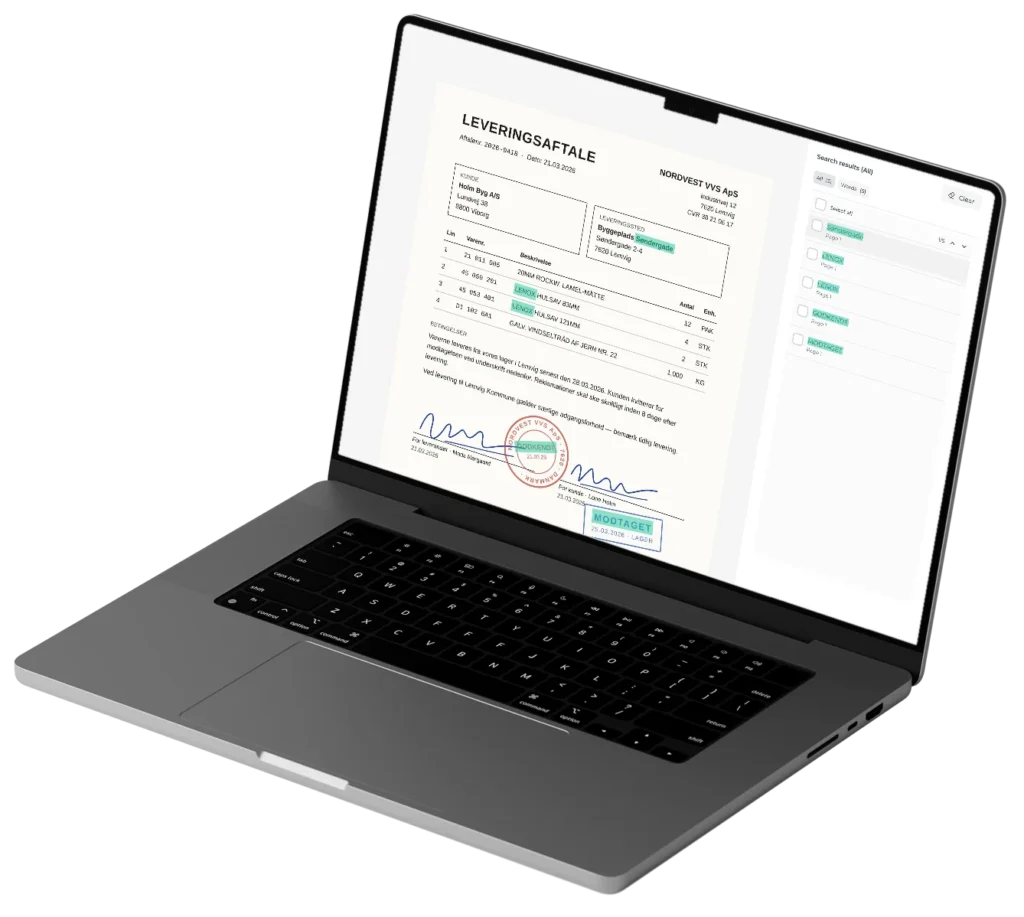
Benefits of text recognition with WebLager®
Fast, precise, flexible
Fast and automated text recognition
State-of-the-art algorithms ensure precise results
Integration into existing workflows
Support for multiple formats and languages
Digitized content is available anytime, anywhere
Customize the content to your individual requirements
Explore more about OCR
OCR PDF is one part of our OCR service
OCR text recognition
Find any document in seconds, not hours. OCR text recognition turns scanned paper, invoices and even handwritten notes into searchable, editable files. Securely stored to ISO 27001 standards, and ready whenever you need them.
OCR text recognition
OCR scanner
Piles of paper, endless typing and wasted time? An OCR scanner from WebLager® reads printed, typed and even handwritten documents with an accuracy of up to 99.7%
OCR scanner
OCR text recognition
Find any document in seconds, not hours. OCR text recognition turns scanned paper, invoices and even handwritten notes into searchable, editable files. Securely stored to ISO 27001 standards, and ready whenever you need them.
OCR scanner
Piles of paper, endless typing and wasted time? An OCR scanner from WebLager® reads printed, typed and even handwritten documents with an accuracy of up to 99.7%